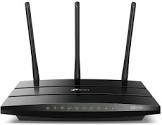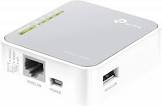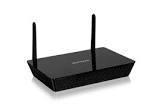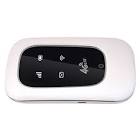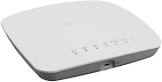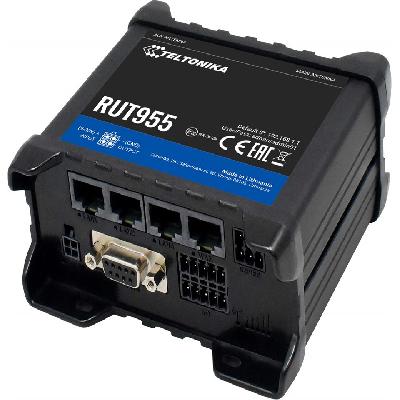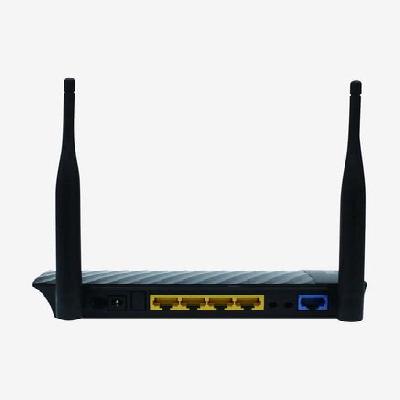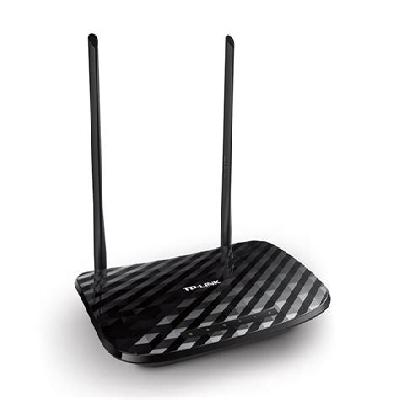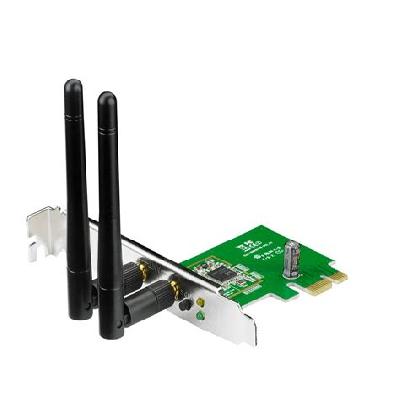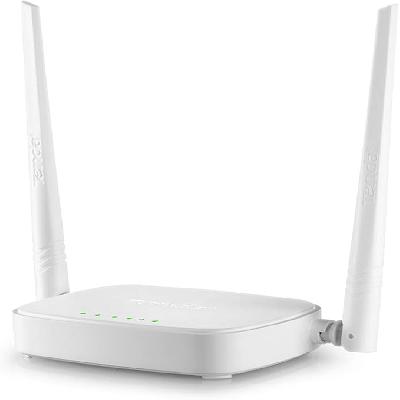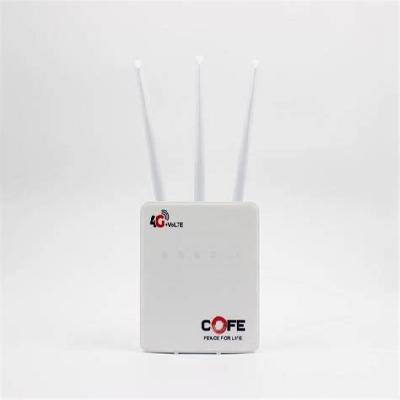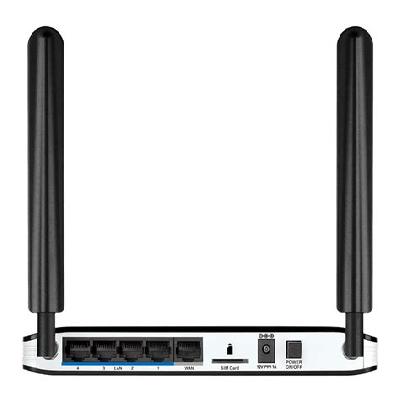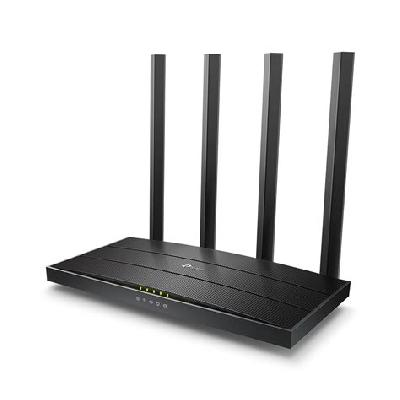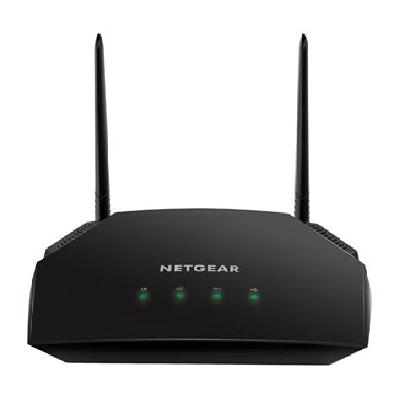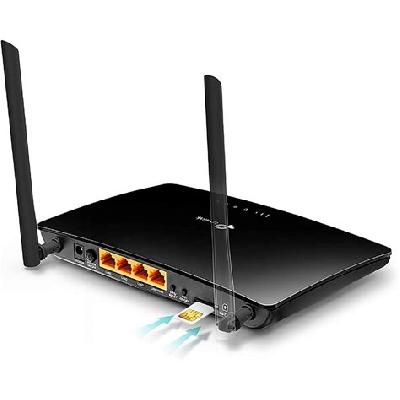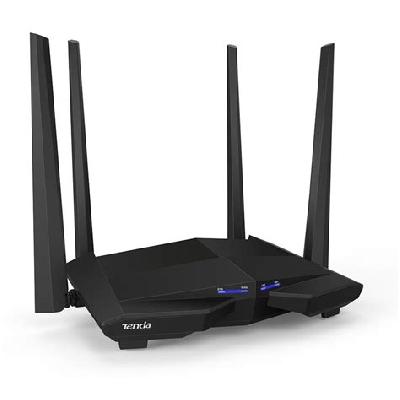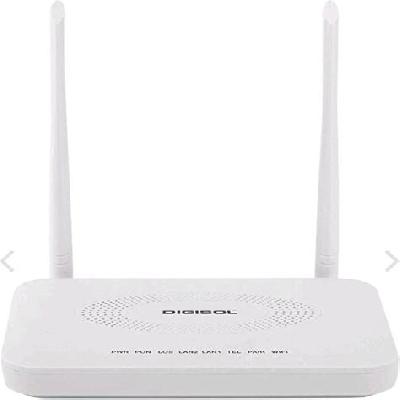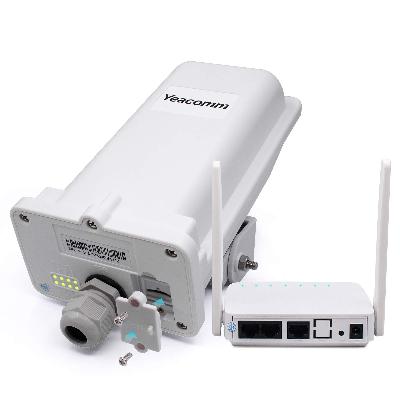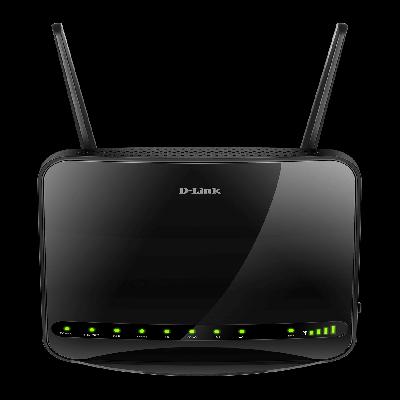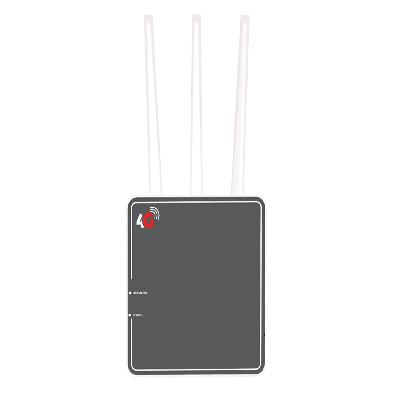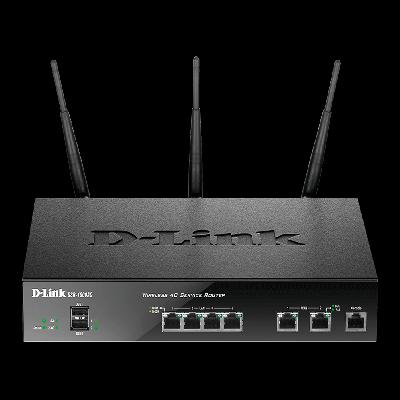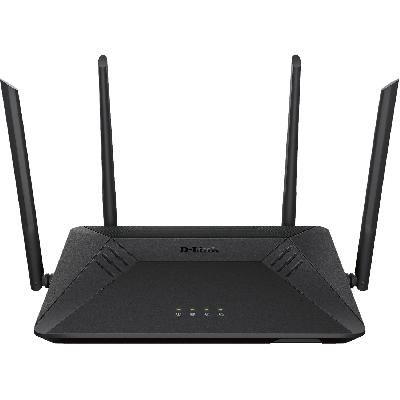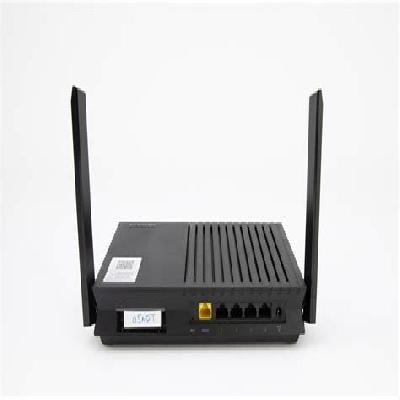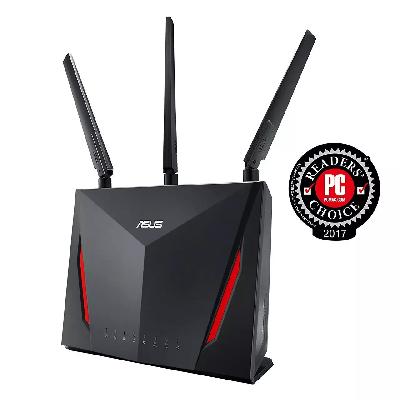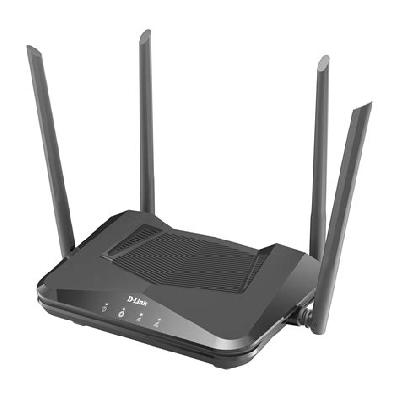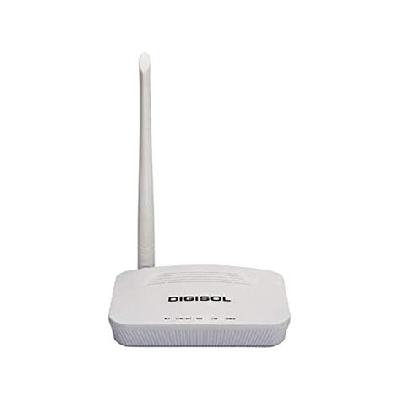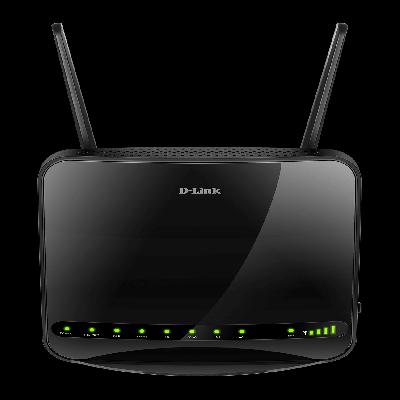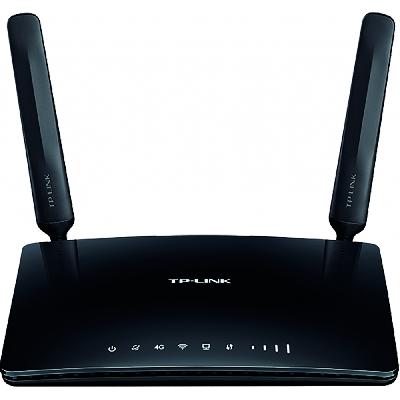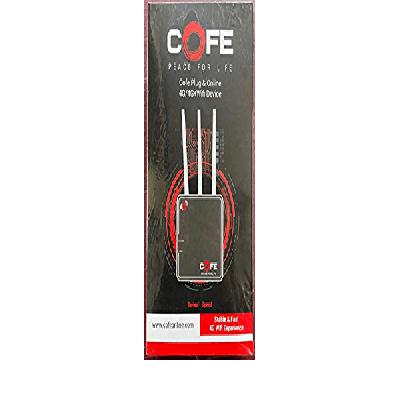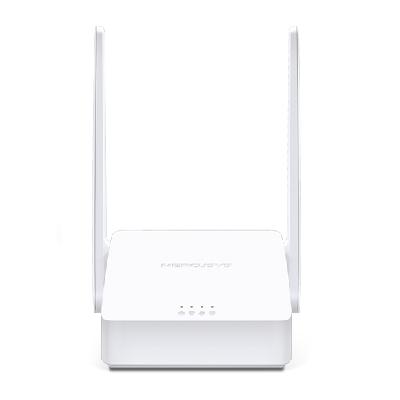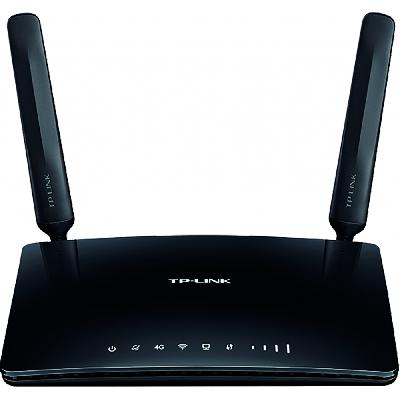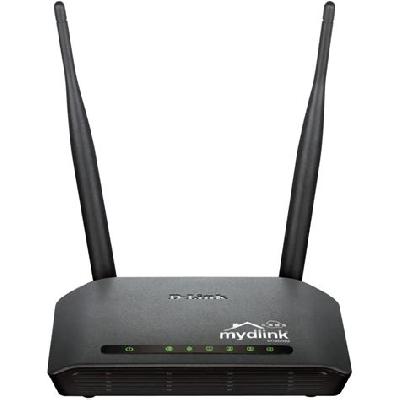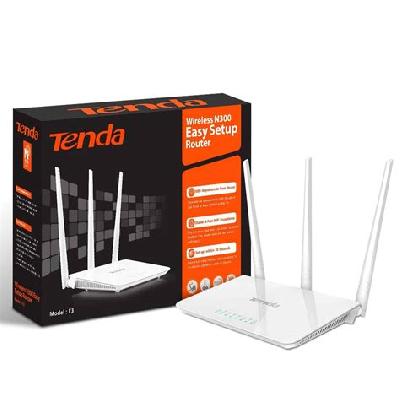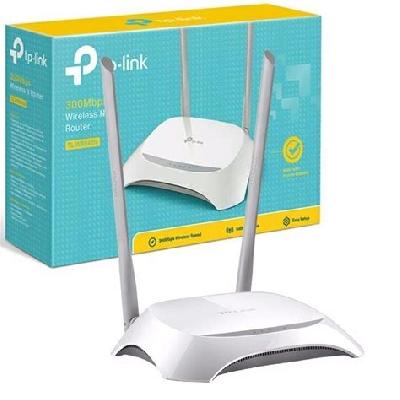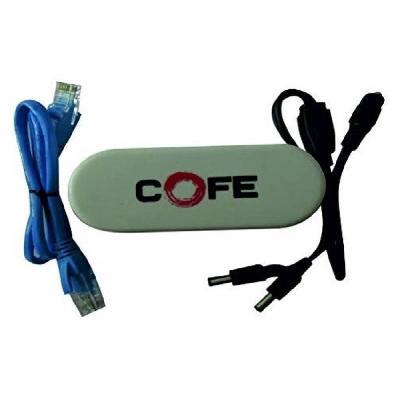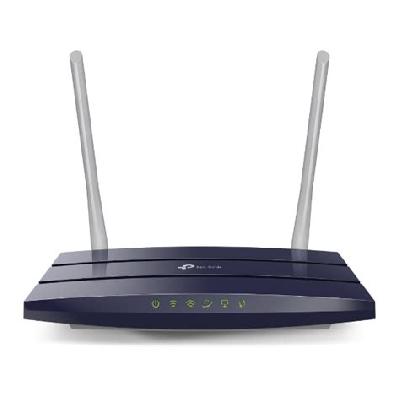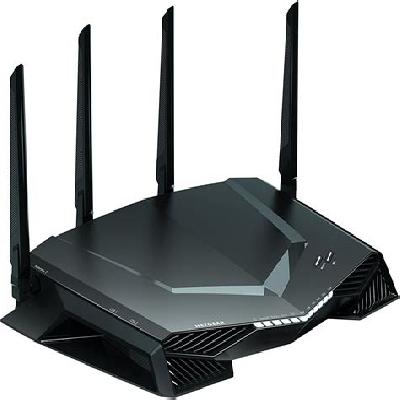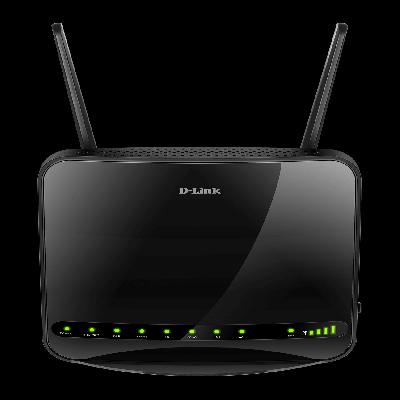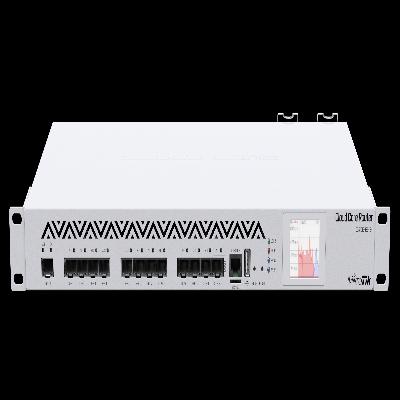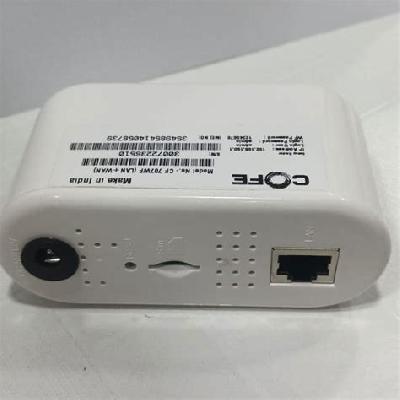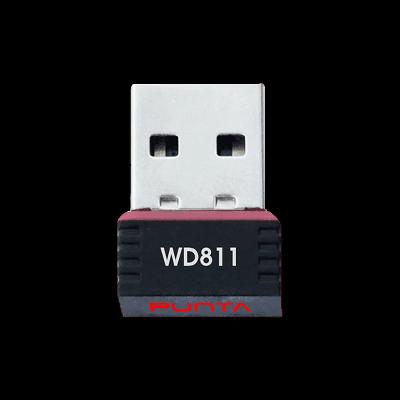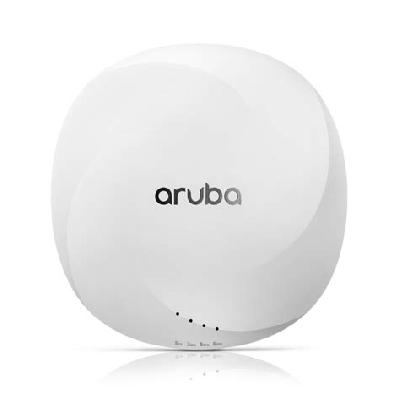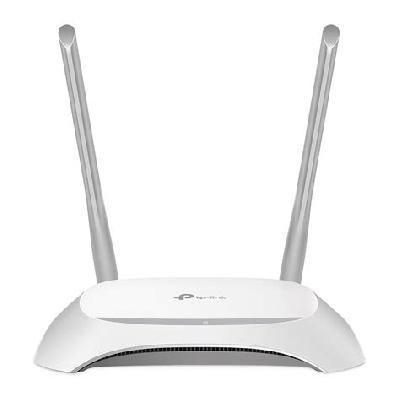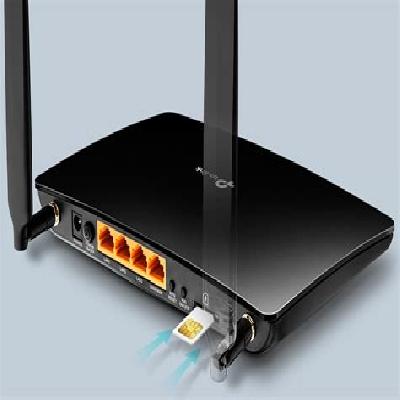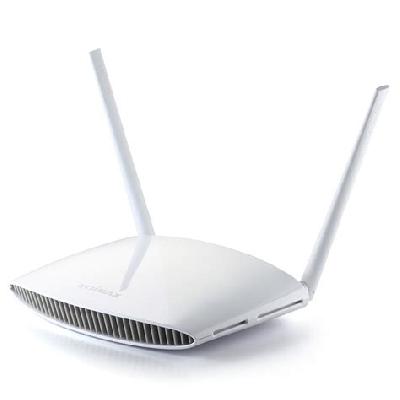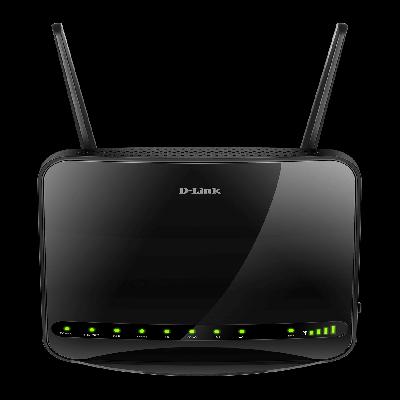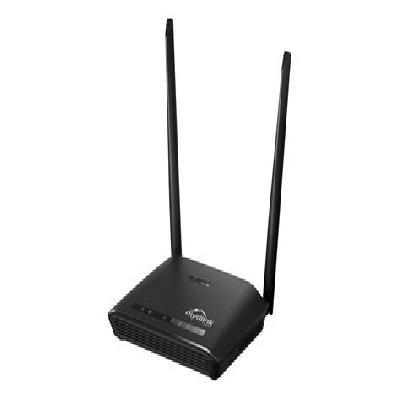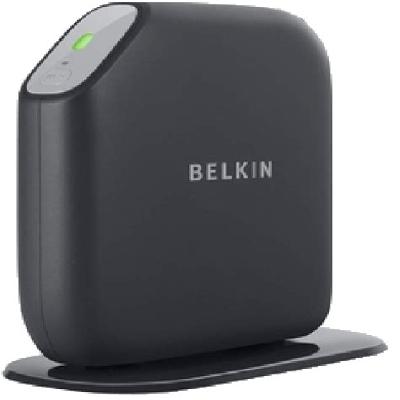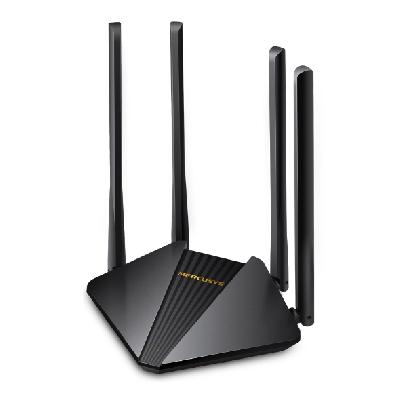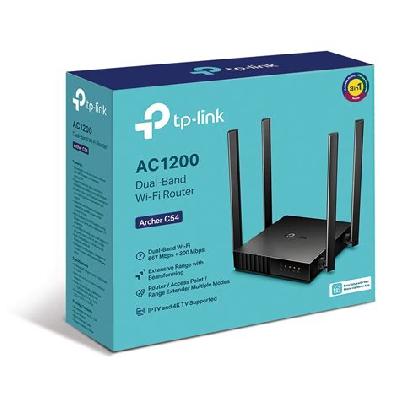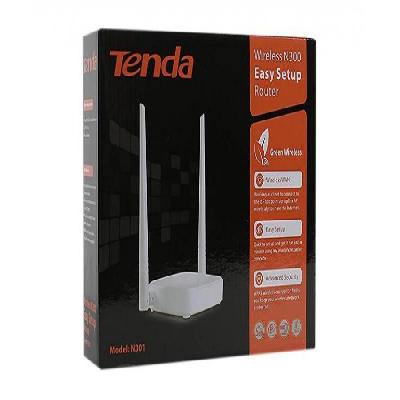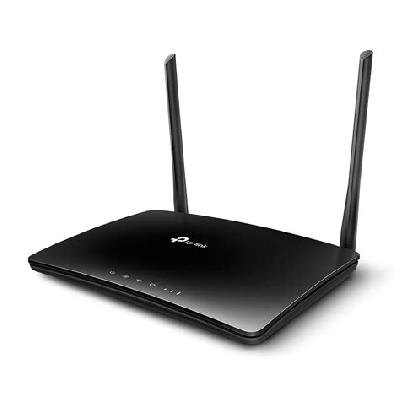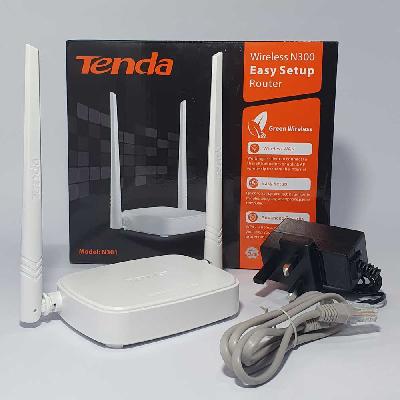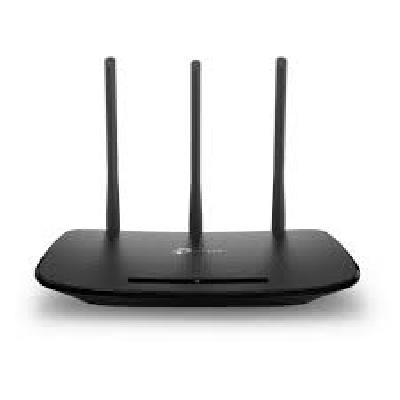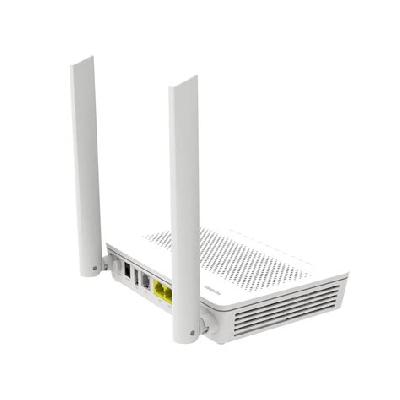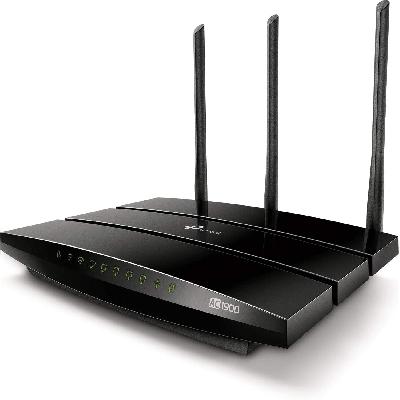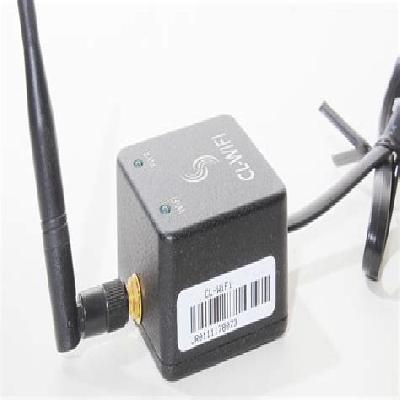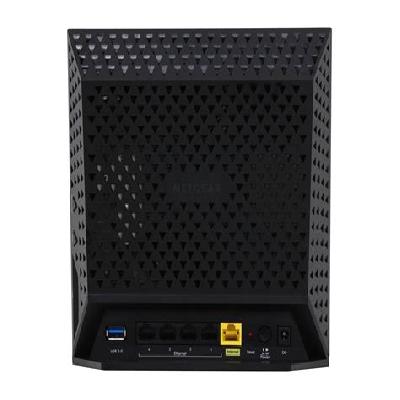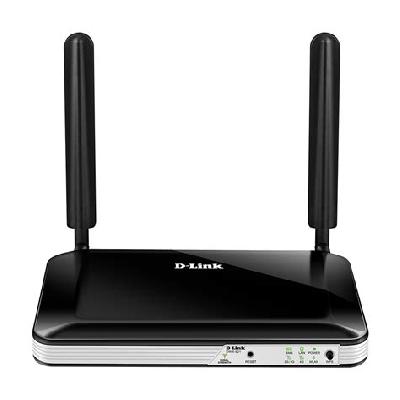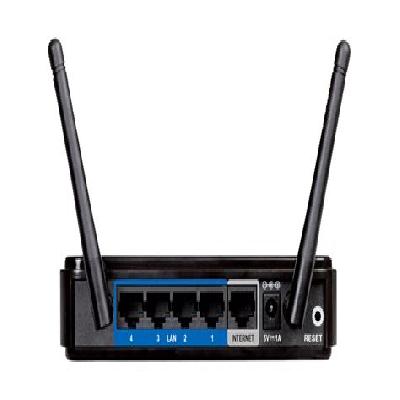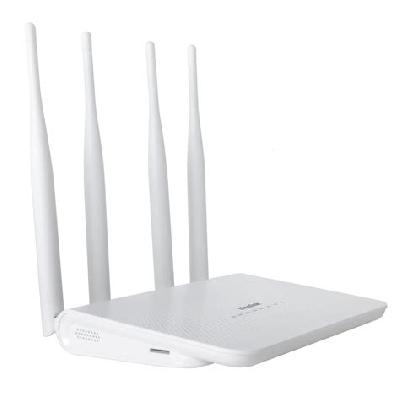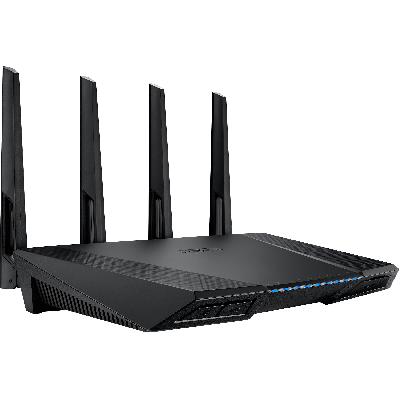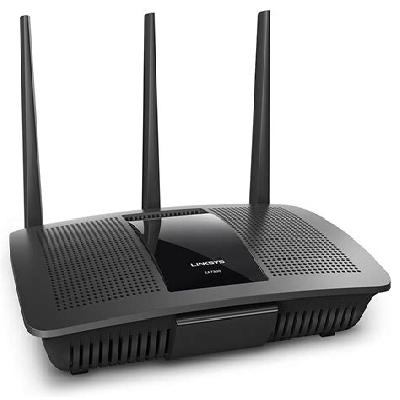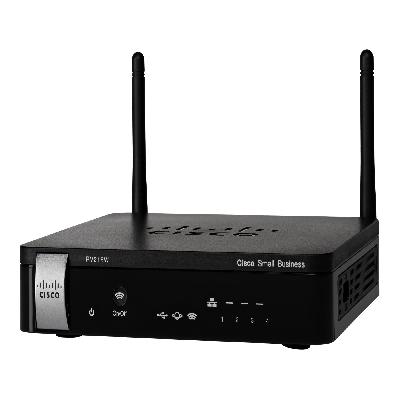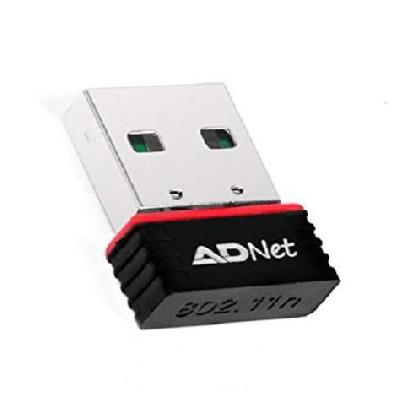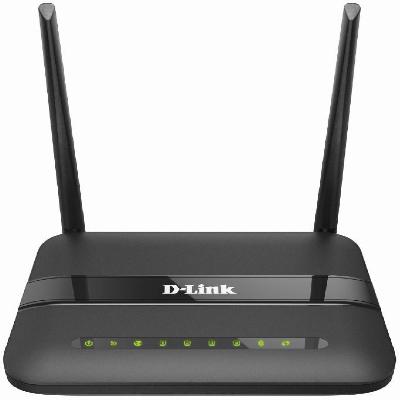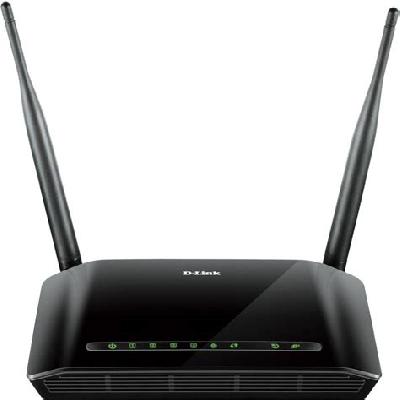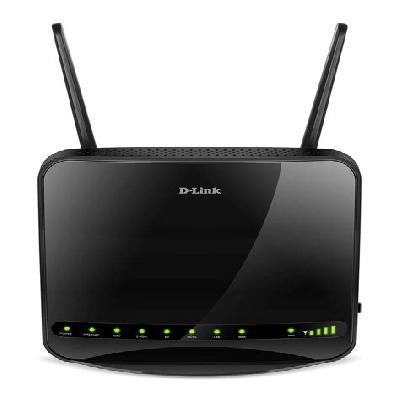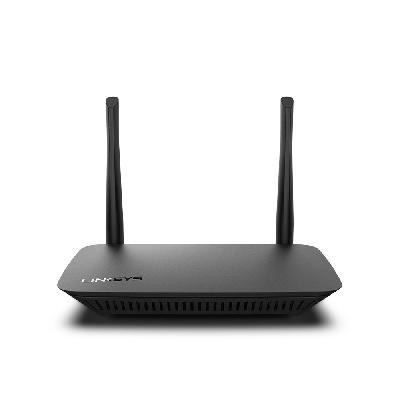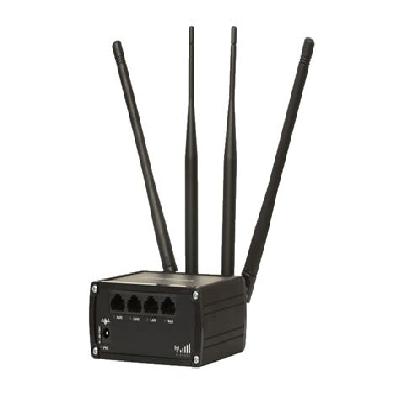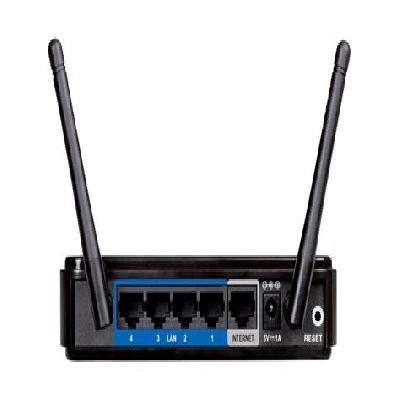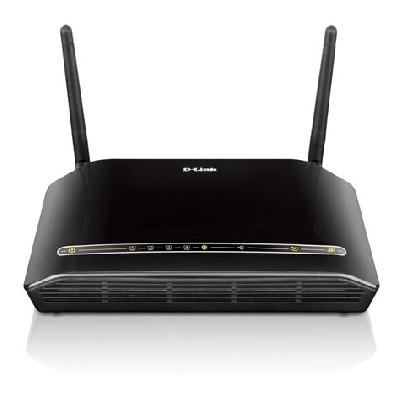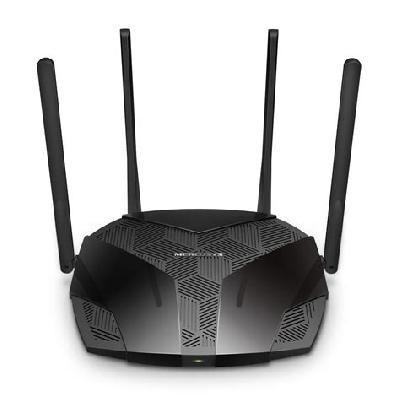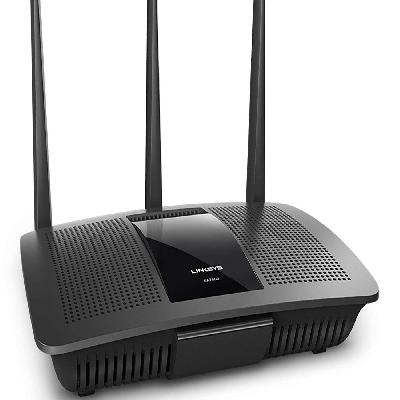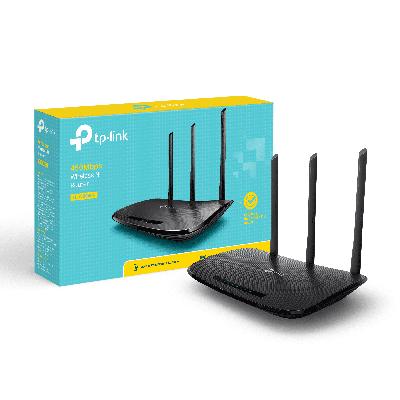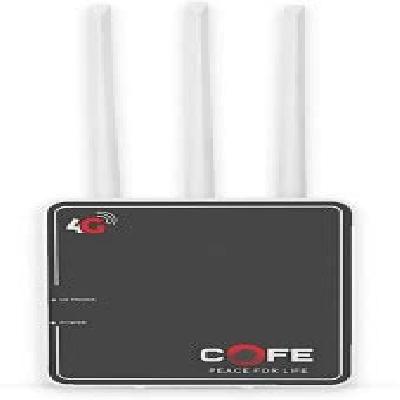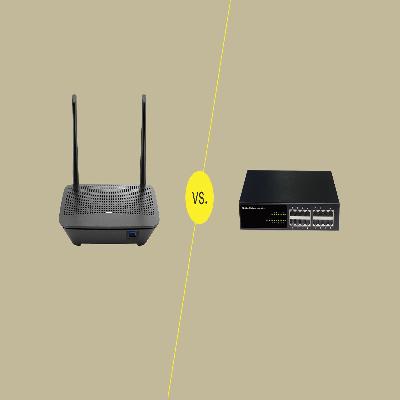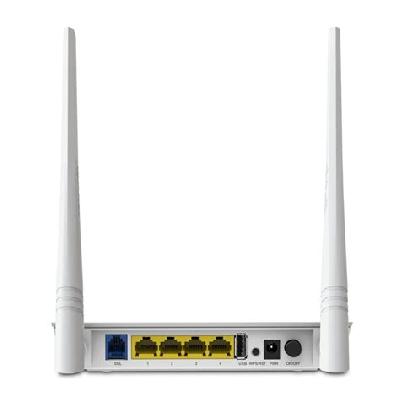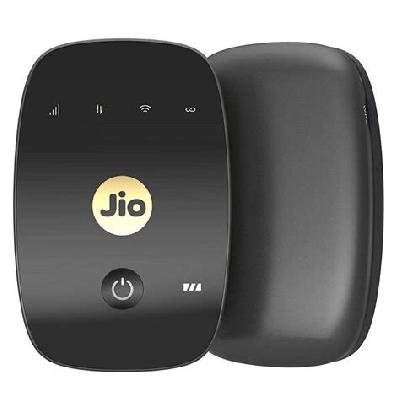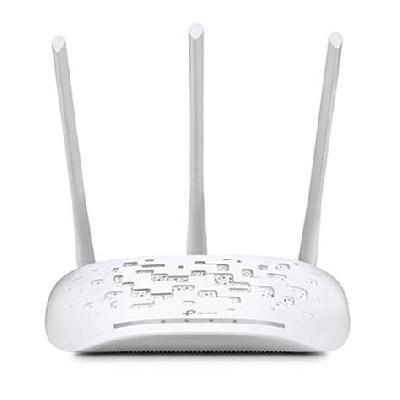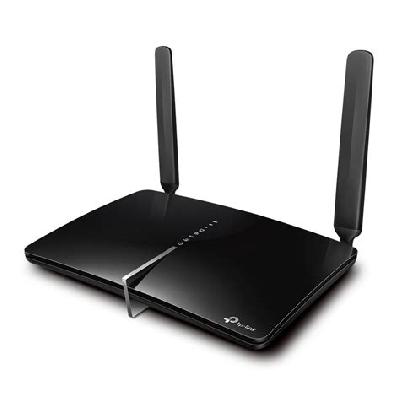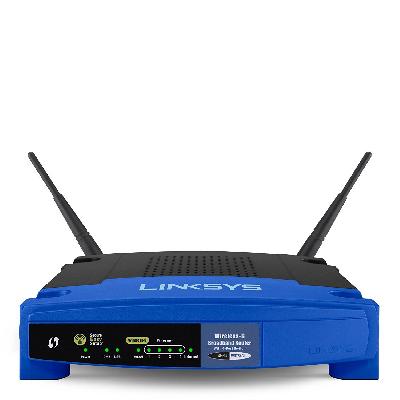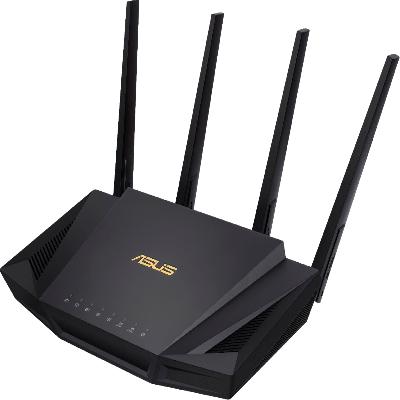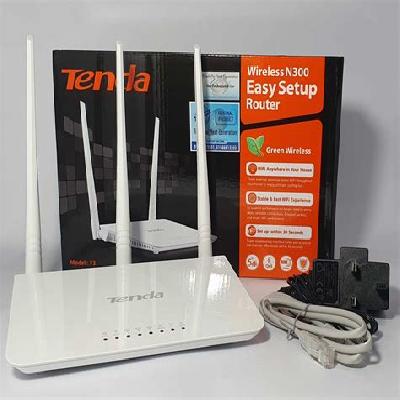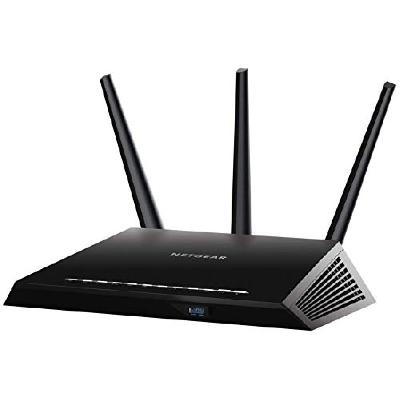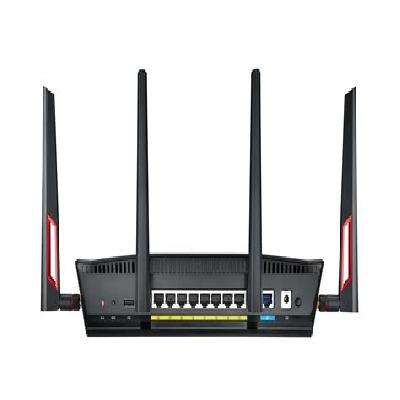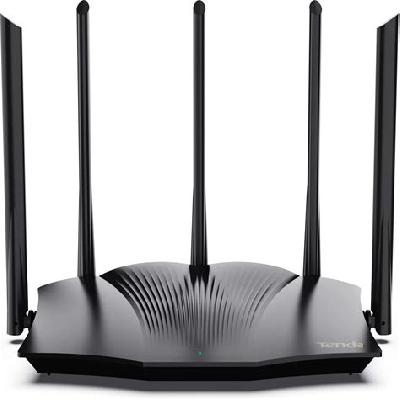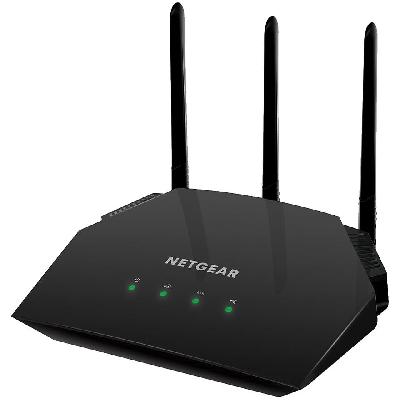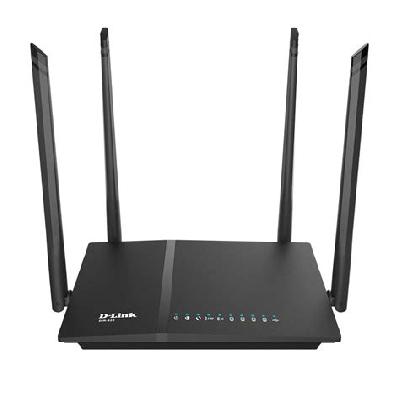
A Wi-Fi router is a device that connects to the internet through a broadband modem and distributes its signal wirelessly via radio waves, enabling devices such as laptops, smartphones, tablets, and smart home appliances to access the network.
Where To Use Wifi Router
Wi-Fi routers are commonly used in homes, offices, schools, and public areas such as coffee shops, hotels, and airports to provide internet access to devices.
Key Features Of Wifi Router
Wireless connectivity to multiple devices
Support for various frequency bands (2.4 GHz, 5 GHz)
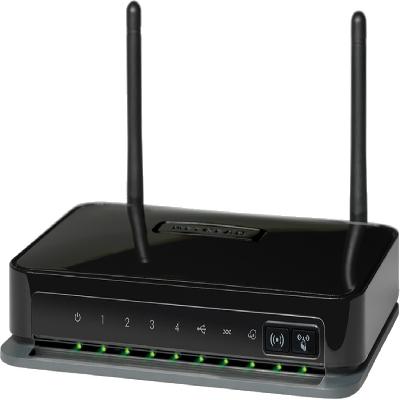
Multiple Ethernet ports for wired connections
Quality of Service (QoS) features to prioritize traffic
Guest network feature for visitors
Firmware updates and management through web interface or mobile app
Power-saving features to reduce energy consumption
Support for various wireless standards (802.11ac, 802.11n)
Built-in firewall and intrusion detection
Support for virtual private network (VPN) functionality
Mobile app for remote management and monitoring
Automatic firmware updates and notifications
Support for multiple operating systems (Windows, macOS, Linux)
LED indicators for status and error monitoring
Compact design with wall-mounting options
Durable construction with heat sink for improved cooling
Power supply options (wall adapter, PoE)
Support for IPv6 addressing and dual-stack mode
Advanced features like Quality of Service (QoS), VLAN support, and more
How To Use Wifi Router
Unbox and place the router in a central location for optimal coverage
Connect the modem to the WAN port using an Ethernet cable
Configure the router's settings through its web interface or mobile app
Set up wireless network name (SSID), password, and security settings
Connect devices to the router using WPA2 encryption and configure Quality of Service (QoS) settings as needed
Monitor network activity, device connections, and firmware updates through the web interface or mobile app
How Wifi Router Is Manufactured
The manufacturing process of Wi-Fi routers involves several stages, including design, testing, and quality control. The components used in the router are sourced from various suppliers, and the assembly is done in a cleanroom environment to ensure reliability and durability.
Technical Specification Of Wifi Router
Data Rate:
Up to 1900 Mbps (AC1900)
Frequency Bands:
Dual-band (2.4 GHz and 5 GHz)
Ethernet Ports:
4 x Gigabit Ethernet ports (RJ-45)
Battery Life:
Up to 24 hours in standby mode (without WAN connectivity)
The technical specifications of the Wi-Fi router are designed to provide high-speed data transfer rates, reliable wireless connectivity, and efficient power consumption. The AC1900 data rate ensures seamless video streaming and online gaming experiences, while the dual-band frequency support allows for optimal coverage in busy environments.